
Scientific & Graphing Calculator Online
I get asked this a lot: “Do I need a separate app for scientific calculations and another one for graphs?” The answer is no. A good scientific and graphing calculator online should handle both without making you switch tools, and that’s exactly what we built at TI84Calc.
Work on Any Device
Instant Results
Scientific + Graphing
No Download No Sign-Up
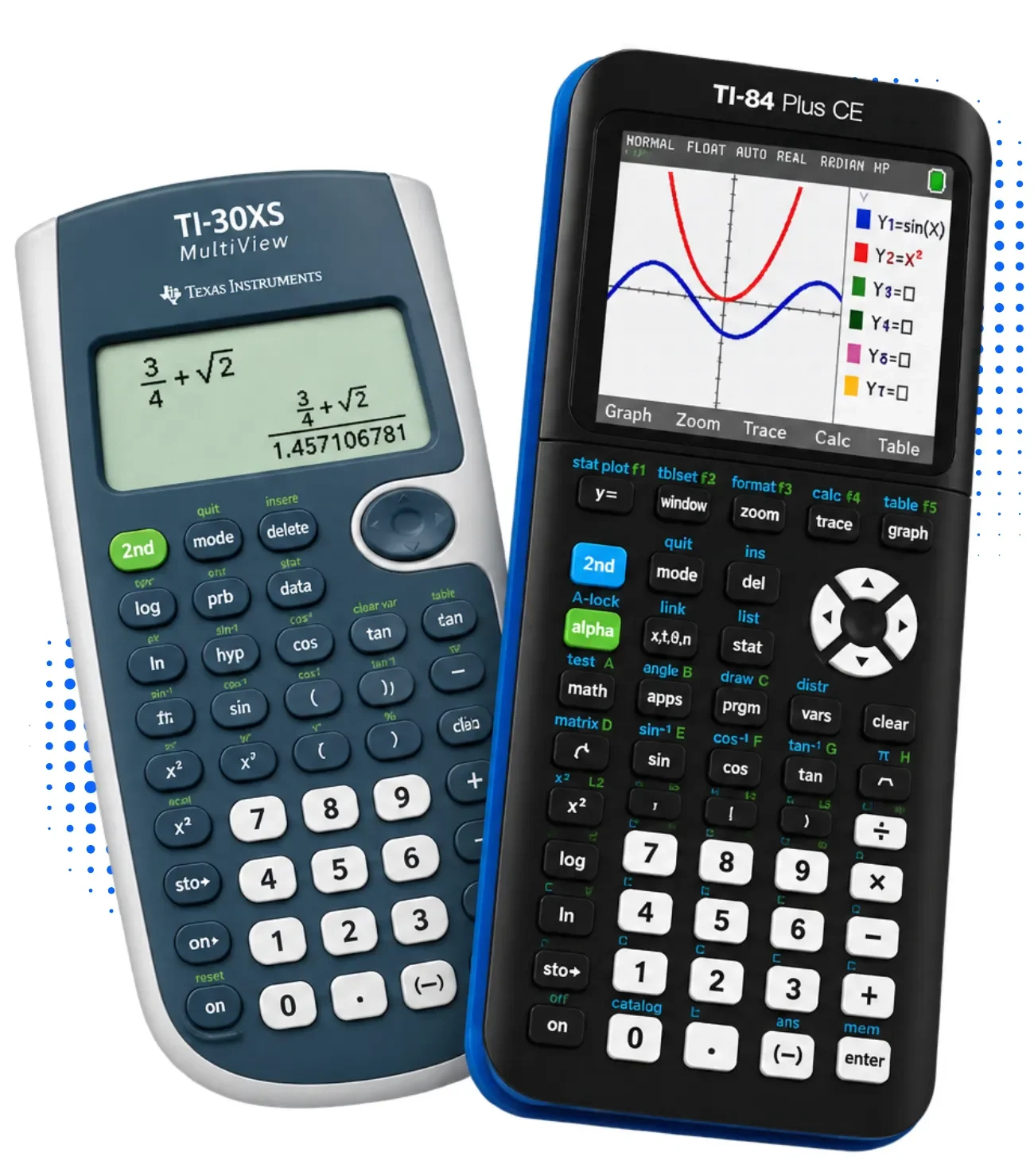
Most students end up juggling three or four tabs. One for trig functions, one for plotting equations, one for matrix work. It’s messy, and it slows you down during homework or an exam prep session. Our online calculator works as a full TI-84 emulator online, and it’s a solid Desmos alternative too, since it brings scientific functions and graphing tools into a single browser window instead of splitting them across separate apps.
Why One Calculator Should Handle Both Jobs
A physical TI-84 Plus CE does both. It graphs, it solves algebra, it handles calculus. There’s no reason an online version should force you to pick one or the other. When a tool splits scientific and graphing functions across two separate pages, you lose time re-entering values or copying results by hand. That’s a real problem when you’re working through a calculus assignment with ten linked steps.
Our simulator mirrors the real TI-84 Plus and TI-84 Plus CE layout, so if you’ve touched the physical device before, the online version feels familiar right away. No manual required to get started, though we keep one available if you need it.
What You Get in the Scientific Calculator Online
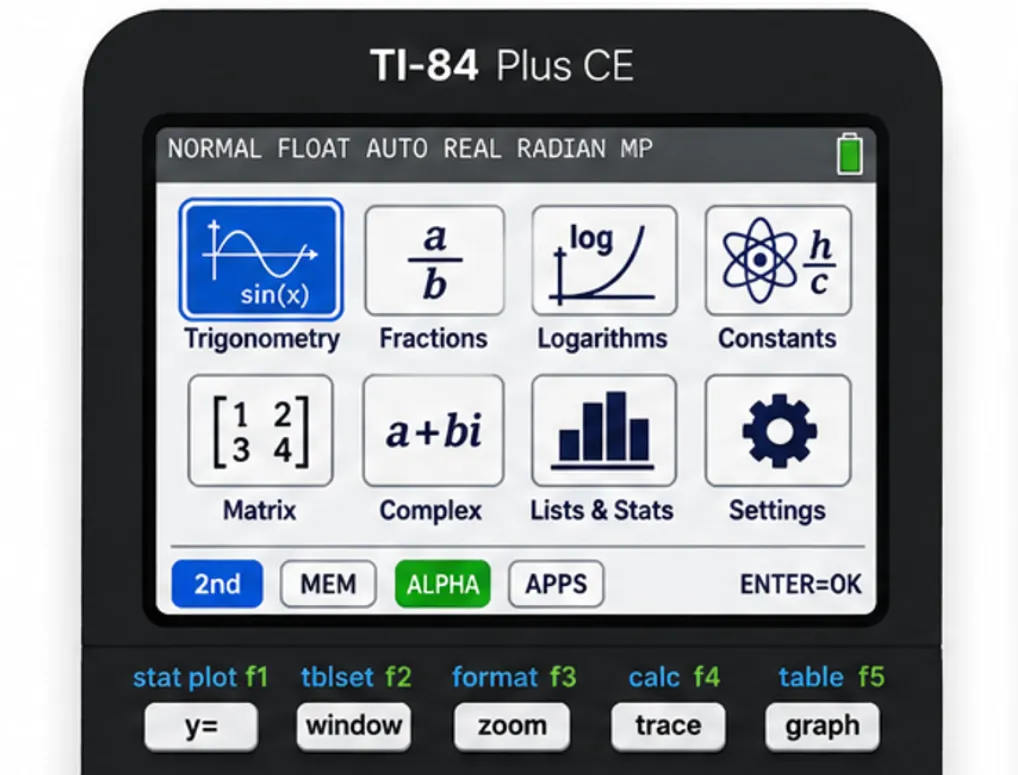
What You Get in the Scientific Calculator Online
What You Get in the Graphing Calculator Online
Both sets of tools sit inside the same interface, so a student solving an algebra equation can jump straight to plotting it without opening a new page.
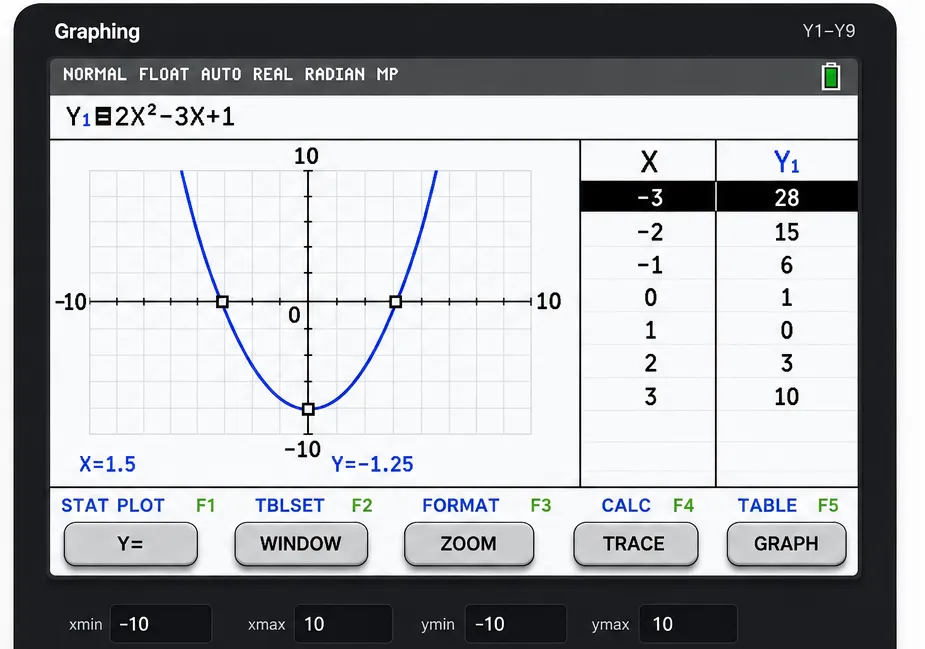
Scientific Mode vs. Graphing Mode
|
Feature |
Scientific Mode |
Graphing Mode |
|---|---|---|
|
Trigonometry & logarithms |
Yes |
Yes |
|
Matrix operations |
Yes |
Limited |
|
Complex numbers |
Yes |
No |
|
Plotting equations |
No |
Yes |
|
Parametric & polar plots |
No |
Yes |
|
Zoom and trace |
No |
Yes |
|
Table view |
No |
Yes |
Who Actually Uses This
Students:
high school and college learners working through algebra, precalculus, calculus, or statistics including AP Calculus coursework and SAT math prep.
Teachers:
run live demonstrations in class or during remote sessions without asking students to buy hardware.
Engineers and analysts:
quick access to a reliable calculator on any device, without carrying a physical unit around.
No Download, No Sign-Up
This is one thing worth being blunt about. You open the site, and the calculator loads. No account creation, no app store download, no waiting on installation. It works on desktop and mobile browsers equally well, so a phone in your pocket during a study session is enough.
How to Get Started
- Open the calculator directly from the homepage.
- Pick scientific mode for algebra and trig, or switch to graphing mode for plotting equations.
- Type your expression using the on-screen keypad.
- For graphs, use zoom and trace to study specific points on the curve.
- Switch between exact and decimal answers whenever you need to.
That’s the whole process. No settings menu to dig through first.
Common Questions
Final Verdict
If you’re switching between separate scientific and graphing tools right now, you’re doing more work than you need to. A combined scientific and graphing calculator online cuts that friction out completely. Open one tab, do both jobs, move on with your work.