
TI-30XS
Calculator Online
Need a TI-30XS calculator online right now for homework or a quiz? You don’t have to search for the physical device or download any app. This free online version works straight in your browser, on any phone, tablet, or laptop. It gives you the same functions as the real Texas Instruments TI-30XS, from fractions to trig, so you can solve your problem in seconds. Just open it, type your numbers, and get your answer.
Works in Any Browser
Instant Access No Signup
Same Functions as Real Device
Exam Approved & Trusted
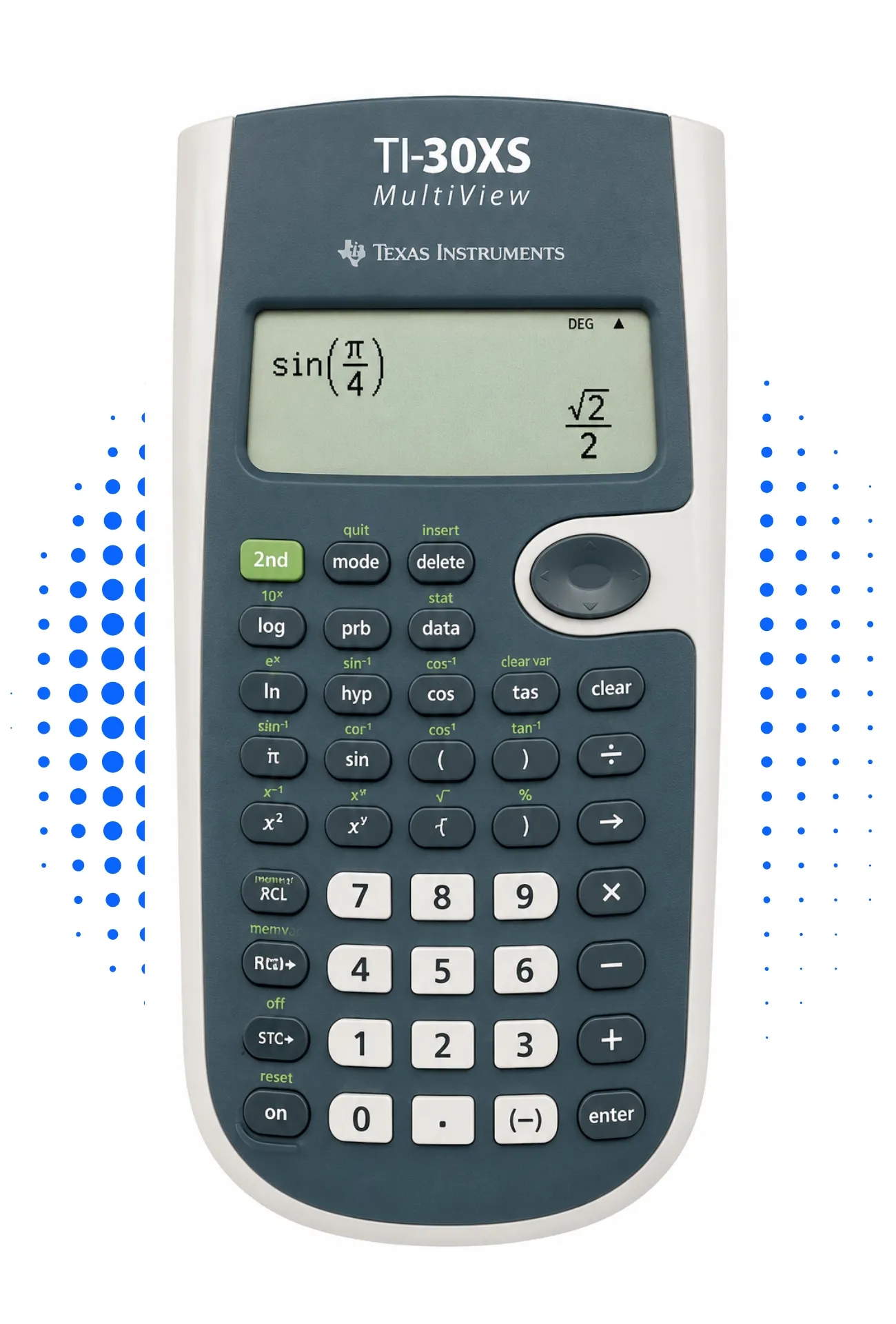
What is the TI-30XS Online Calculator?
This tool is a free web version of the Texas Instruments TI-30XS MultiView scientific calculator. It copies every button and function from the real device, so you get the exact same results. Students use it for algebra, geometry, statistics, and trigonometry homework. Teachers and tutors rely on it too, since it needs no installation or signup. You just open the page and start calculating.
Key Features & Functions
The online version covers all the tools you need for school math and basic science work.
Why MultiView Display Matters
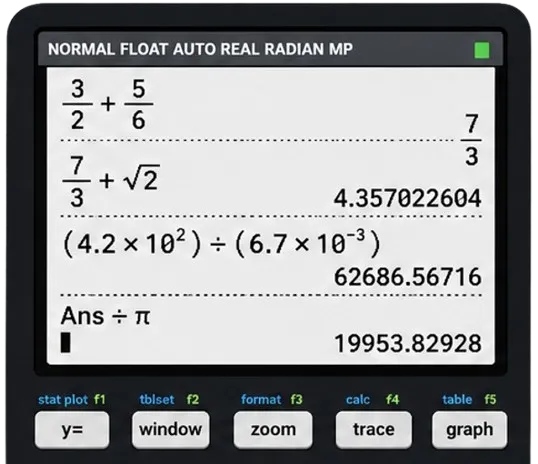
Most basic calculators only show one number at a time, which makes long problems confusing. This model uses a MultiView display with four lines, so you can see your full expression, the previous step, and the answer all at once. This helps you catch mistakes before you submit an answer. It also matches exactly what you see on the physical device, so there’s no confusion switching between the two. If your textbook shows a problem with stacked fractions, the screen shows it the same way.
How to Use It
Using this tool takes less than a minute. First, open the calculator on this page; no download or account needed. Type your equation using the on-screen buttons, the same layout as the physical TI-30XS. Switch between fraction and decimal view whenever you need. Your result shows instantly on the screen.
Supported Math Operations
This calculator handles most of what a middle school or high school math class throws at you. You can convert improper fractions to mixed numbers, solve for x in a quadratic, or find sine and cosine values for an angle. It also handles percentages, square roots, and basic statistics like mean and standard deviation. If your homework or test needs a scientific calculator instead of a graphing calculator, this tool covers it.
TI-30XS vs TI-34 vs TI-84
A lot of students search for a TI-34 calculator online too, so here’s the quick difference. The TI-30XS and TI-34 are both scientific calculators without graphing tools, built for middle and high school math. The TI-84 calculator online, on the other hand, is a graphing calculator that handles statistics, functions, and programming. If your class only needs fractions, trig, and basic equations, the TI-30XS covers it. If you need graphs and advanced functions, look at the TI-84 version instead.
Exam Approval (SAT, ACT & AP)
Yes. This calculator is approved for the SAT, ACT, AP exams, and PSAT, since it has no computer algebra system, WiFi, or graphing screen. That makes it one of the safest calculators to bring into any standardized test. Many schools also allow it for regular class tests and homework. If your exam allows scientific calculators, this one almost always qualifies. You can check the full spec sheet on the official Texas Instruments TI-30XS MultiView page for exact model details.
Frequently Asked Questions
Conclusion
The TI-30XS calculator online gives you the exact functions of the real device, without the wait or the cost. No downloads, no signups, just open it and start solving. Whether it’s a quick homework check or exam prep, this tool is ready whenever you need it. Try it now and get your answer in seconds, right here in your browser.